I built LIANXIN's industrial machinery website with Astro. It has a product catalogue, a factory showcase, and Directus-powered news and an AI product assistant. On a site like this, a lot of decisions come down to one question: which content should be handed straight to the user, and which features should only start up when they are actually needed.
Machine photos, specification tables and copy are better generated ahead of time; news has to update at any moment; carousels, enquiries and video each have their own interactions. Once those boundaries are clear, the implementation goes much more smoothly.

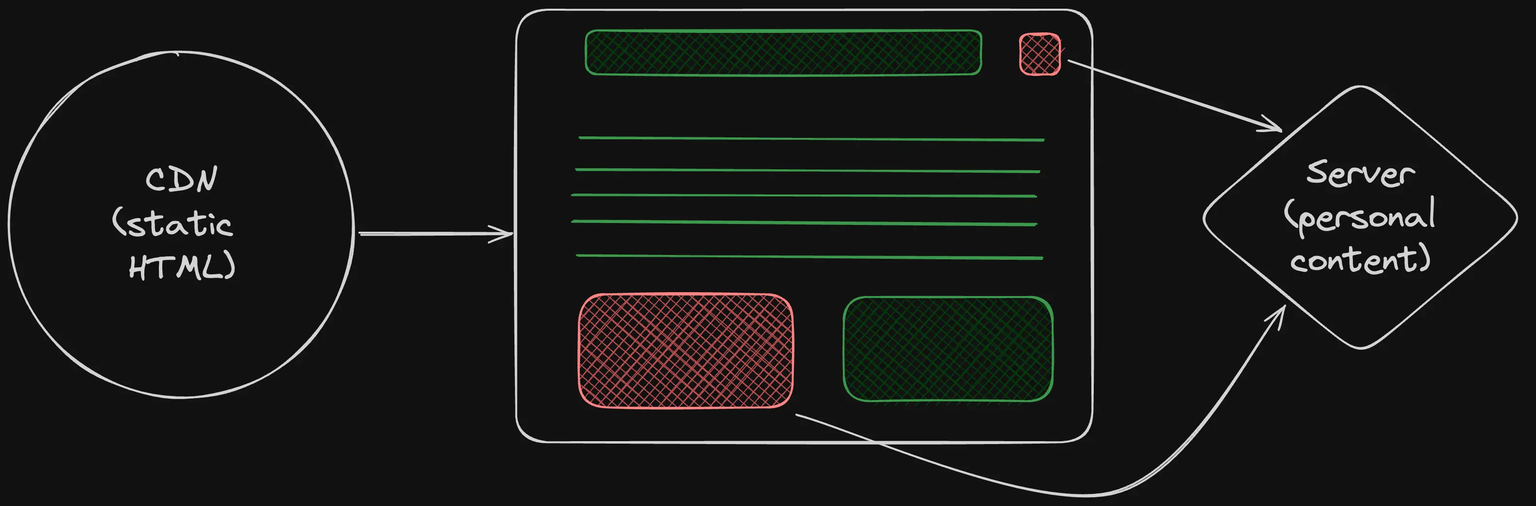
Pages first, interactions on demand
One thing I like about Astro is that it lets me organise a page starting from HTML. Product copy and images render first; React comes in only where state and events are needed. Having the React integration installed does not mean turning the whole page into a client-side app.
The site navigation uses client:load, so it activates as the page loads; the product carousel uses client:visible, loading and hydrating when it enters the viewport. Both approaches output HTML first; the difference is when the component starts running in the browser. For the exact timing, see Astro's client directives documentation.
FAQ goes further and uses a client:interaction directive registered by the project itself. It starts loading on hover, touch or keyboard focus. There is a small trap here: a user might click a button before loading finishes, so the directive holds that click and replays it once the component is ready. Ordinary links navigate as usual. Saving JavaScript is fine — just don't save the visitor's first click.
News takes a different route. The list and detail pages read Directus per request, while the latest news on the homepage is left to server:defer. The homepage returns its main body and placeholders first, and the news block requests its HTML separately afterwards. That way a slow CMS response does not hold up the whole page. This part needs a server, so I run the site with the Node adapter in standalone mode.
Products and the AI share one source of truth
The products come in several series, and each model has photos, specifications and application notes. If all of that is scattered across pages, changing one specification means hunting down every place it appears. I organised the products into TypeScript data and let the pages read from it. The model detail pages reuse a single template and generate their routes with getStaticPaths().
Here is the path generation from the detail page, with imports and the page template omitted.
export function getStaticPaths() {
  return products.map((product) => ({
    params: {
      category: product.category,
      slug: product.slug,
    },
    props: {
      product,
      category: getCategory(product.category),
    },
  }));
}
The specification tables read that data, and the Product structured data on the page reads it too. The AI product knowledge is generated from the same source, so the assistant isn't reciting an old version after the website has been updated. The data model keeps explicit fields for model, category, images and specs; the pages only display them.
The AI backend is a separate Cloudflare Worker. It searches for material based on the model, aliases and current page in the question, picks at most six documents to hand to DeepSeek, then checks whether the source IDs attached to the answer belong to that batch. The browser gets the answer and the matching on-site links; the model key stays in the Worker.
This retrieval approach is small in scale and simple in its rules, which suits this set of products. It can constrain where the sources come from; it cannot guarantee that every sentence the model produces is correct. Specific selections and quotations still need a human to confirm. Also, sharing a source file does not mean it goes live automatically. After product data changes, both the main site and the assistant Worker need to be rebuilt and deployed; that step is easy to miss.
Images are about composition, video is about timing
Industrial equipment is long to begin with. Add a few heavy frames around it and the machine you can actually see gets smaller and smaller. For product photos I use object-fit: contain to keep the whole shape; the title, selling points and buttons sit beside it, giving the image enough room. The carousel controls stay on either side so you don't have to scroll down to change slides.
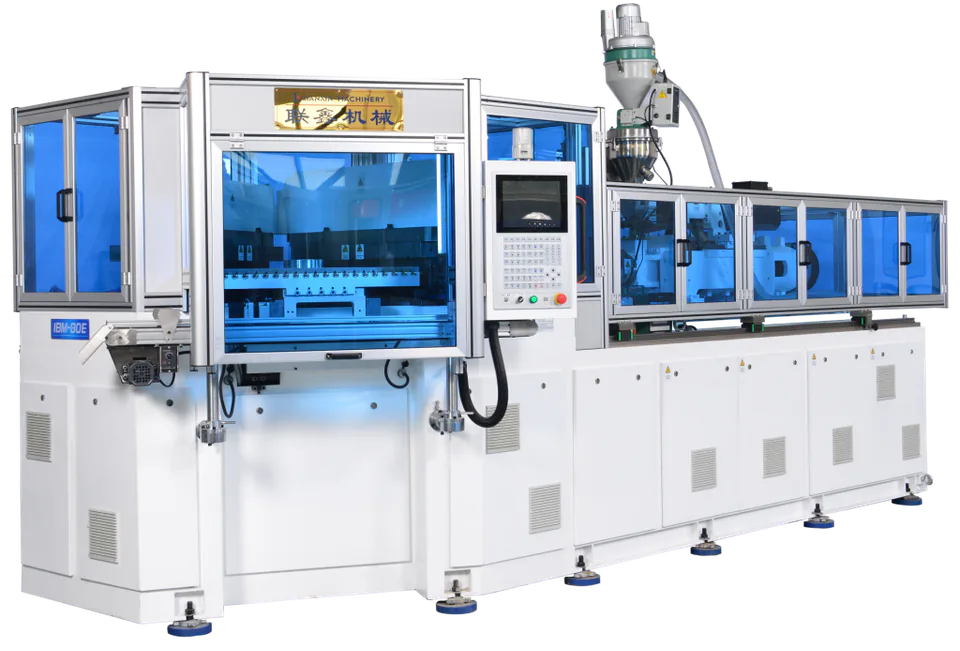
For the homepage poster I prepared landscape and portrait versions and switch between them with <picture> using max-aspect-ratio: 1/1. The choice follows the shape of the viewport, so a portrait tablet still gets a portrait composition. The first poster loads eagerly and the rest are lazy-loaded. The copy currently lives inside the posters too, which buys more direct control over layout at the cost of re-exporting images whenever the text changes or a language is added.
Video is handled more bluntly. The factory introduction shows a cover first and keeps the video address in data-src, assigning it to src only when the visitor clicks play. Someone who is just browsing the page doesn't end up downloading a few minutes of video along the way.
The key action in the playback function looks like this, with the loading hint, timeout and error handling omitted.
if (!video.hasAttribute("src")) {
  video.src = video.dataset.src!;
}
void video.play();
Native <video> plus one custom element to manage playback state is enough here. Slow networks get a loading hint; failures get a retry button and a link to the original video; leaving the component aborts the event listener and pauses playback. At least the user can tell what happened after they clicked, and has a way to carry on.